
Converting Websites: 10 Ultimate Features
Published 2025-12-22
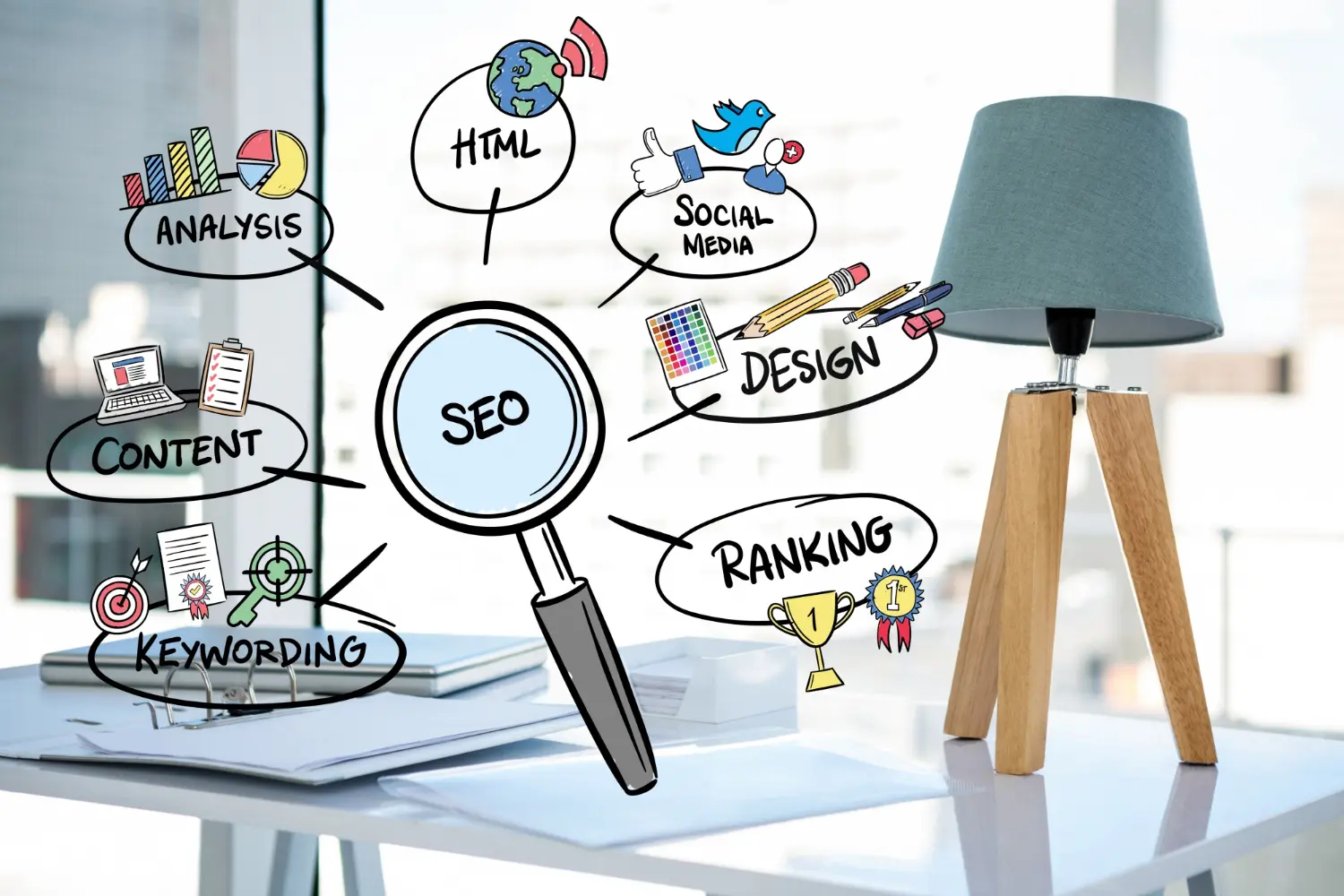
The features that separate a website that just looks good from one that actually turns visitors into inquiries.
A converting website is one of the best examples of what a high-performing site should be: it generates measurably more qualified inquiries — not just "nice-looking" pages. The following ten features are proven in practice. They prioritize clarity, speed, trust and measurability — and apply to businesses of any size.
1) Crystal-Clear Value Proposition
In one or two sentences: who do you help, with what problem — and how? A concise headline, a supporting subheadline and one primary CTA are enough. Cut anything that distracts from that.
2) Thoughtful Information Architecture & Hierarchy
Navigation with 5–7 main items, clean H1/H2/H3 structure, a clear reading order. Content leads logically to the next step. Visual hierarchy (typography, white space) makes sure the most important thing is seen first.
3) Speed & Core Web Vitals
Speed is conversion. Keep LCP, CLS and INP in the green zone; optimize images (WebP/AVIF), use caching/CDN and locally-hosted fonts, and cut unnecessary scripts. Ask for Lighthouse reports (mobile & desktop).
4) Mobile-First, Genuinely Responsive
Not just "scales on a phone": large touch targets, prioritized content, a sticky CTA on mobile, no hover-only interactions. Test on iOS/Android, portrait and landscape — that's where most local search happens.
5) Strong CTAs — Visible, Clear, Repeated
One primary CTA at the top, within the content and at the end ("Book a Free Consultation" rather than "Submit"). A secondary CTA for people who want to see more first ("View Our Work"). CTAs should be clear, high-contrast and consistent — for better conversion rates and a smoother user experience.
6) Social Proof & Trust Signals
Testimonials with real names/roles, industry logos, badges/certificates, key numbers. Short, specific, credible. Place social proof near your CTAs to lower perceived risk and increase the likelihood of a click.
7) SEO Basics & Search Intent
One H1, sensible H2/H3s, readable slugs, meta title/description, internal links and clean alt text. Write for search intent (informational, navigational, transactional). Content needs to answer questions — not just repeat keywords.
8) Security, Legal & Accessibility
SSL, imprint, privacy policy, and correctly configured cookie consent. Accessibility (contrast, focus states, keyboard navigation, semantic ARIA labels) helps users and improves quality signals. Forms: data minimization + SMTP.
9) Measurability, Testing & Continuous Optimization
GA4 events for CTAs/forms, defined conversions, simple dashboards. Test hypotheses (copy, CTA placement, social proof). What gets measured gets better — and budget flows to what demonstrably works.
10) Maintenance & Stability
Updates, backups, monitoring, clear SLAs — only a well-maintained site stays fast, secure and high-converting. Assign responsibilities and plan small monthly optimizations.
Frequently Asked Questions
Clear value, fast load times, visible CTAs, trust (social proof), and content that matches search intent — measured and continuously improved.
On mobile, LCP should ideally stay under 2.5 seconds. Compress images, use caching/CDN, remove unnecessary scripts, and use locally-hosted fonts.
Above the fold, within relevant sections (after value/proof), and in the footer. Visibility, clarity and repetition matter most.
Not necessarily at the start. Begin with best practices and measure. A/B testing pays off once you have enough traffic.
Conversion comes from clarity, speed, trust and measurability — not decorative design. Check your site against these ten features and prioritize the biggest levers first.
Ready To Get Started?
Book a free consultation and let's talk about what your website could be doing for you.